To build an app with AI in 2026, you describe the app in plain language to an AI app builder, let its agent create the pages, the database and sign-in, test the result in a preview, and publish it to a live web address. You do not need to write code, but you do need to be clear about who the app is for, what data it stores and the one thing users come to do. Updated November 2026: this step-by-step guide walks through the whole process, from the first prompt to a published app on your own domain, with a worked example using Totalum's documented build flow, realistic times and credit costs, and the mistakes that make AI-built apps fall apart later.
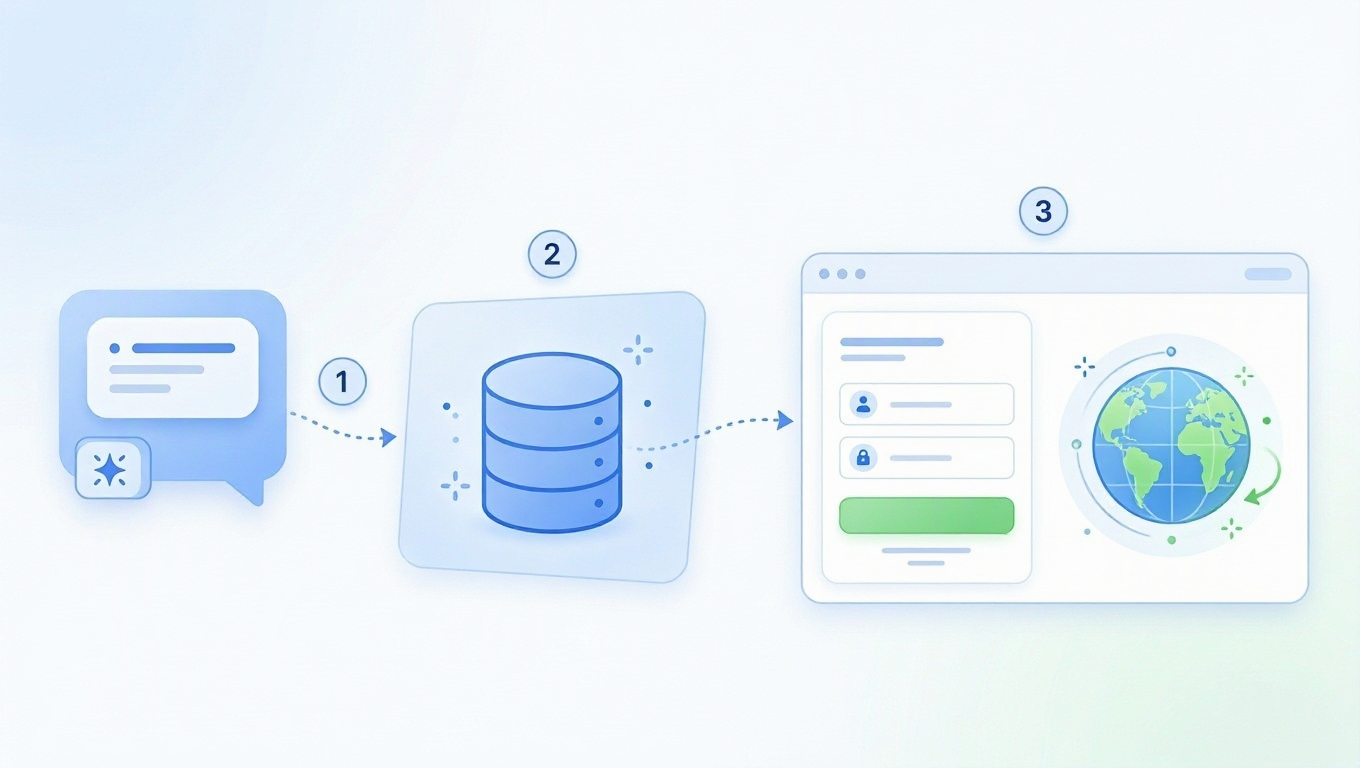
Want to follow along? Start building free on Totalum: describe your app, and the AI builds a real Next.js app with sign-in, its own SQL database and hosting. The free plan gives you 50 credits to start and 2 projects.
Quick Answer
How to build an app with AI, in one paragraph: pick an AI app builder (for example Totalum, Lovable, Bolt.new, Replit or Base44), write a prompt that names the users, the data and the core action, let the agent build it, test it in the preview, add sign-in and payments, and publish it on your domain. A first version usually takes minutes to an hour.
- Can I make an app with AI without coding? Yes. AI app builders turn a plain-language description into a working app with pages, a database and sign-in. You review and refine it by chatting.
- How long does it take? The first working version takes minutes. Totalum's documentation estimates about 8 minutes for a sample task-tracker app, and publishing takes 2 to 5 minutes more. A polished app with real users takes days of iteration.
- What does it cost? Most builders have a free starting plan and paid plans from about $20 to $30 a month. Usage is billed in credits or tokens, so complex apps cost more.
- Web or mobile? Most AI builders create web apps. Some, including Totalum on paid plans, also package the app for Android and iOS.
What you need before you start
- One sentence that describes the app: "A booking app where clients of my barbershop book and pay for appointments."
- The users: just you, your team, or your customers? This decides whether you need sign-in, roles and payments.
- The data: the things the app stores (bookings, clients, services, prices).
- The core action: the one thing users come to do (book an appointment).
- An account on an AI app builder. The examples below use Totalum; the steps are the same on most builders.
Step 1: Define the app in three lines
The quality of an AI-built app depends mostly on the first description. Write three lines before you open any tool:
- What: "A booking app for my barbershop."
- Who: "Clients book; I manage the calendar and services."
- Core action: "A client picks a service, a barber and a time, and pays online."
Leave design, fields and integrations for later prompts. Keep the first version to one user type and one core action.
Step 2: Choose the right kind of AI tool
Three kinds of tools can build an app with AI. They suit different people.
| Tool type | Examples | You get | Best for | Entry price (November 2026) |
|---|---|---|---|---|
| AI app builder | Totalum, Lovable, Bolt.new, Base44, Emergent | A hosted app with database, sign-in and hosting, built from a chat | Non-developers and founders who want a working product | Free plans; paid from $16 to $29 a month (Base44 Starter billed annually, Totalum Starter $29) |
| Cloud workspace with an AI agent | Replit | An app built by an agent inside a code workspace, with publishing | Builders who want to see and edit the code | Core $20/month ($18 billed annually) |
| AI coding agent | Claude Code, Cursor | Changes to code in a repository you own; hosting is up to you | Developers | Claude Pro $20/month; Cursor Premium $30/month |
Prices read on each vendor's pricing page between October 29 and November 4, 2026.
If you are not a developer, start with an AI app builder: it handles the database, sign-in and hosting for you. To compare builders, see our ranking of the best AI app builders, or read what an AI app builder is first.
Step 3: Write your first prompt
Turn your three lines into one prompt. A good first prompt names the app, the users, the core action and the main pages:
- Booking app: "Build a booking app for a barbershop. Clients see services and prices, pick a barber and a time, and pay online. Barbers sign in to see their calendar. Include a landing page."
- Client portal: "Build a client portal for my accounting firm. Clients sign in, upload documents and see the status of their tax return. I can see every client and change statuses."
- Internal tool: "Build an inventory tracker for my shop. Staff sign in, add products with quantity and price, and see which products are low in stock."
Then refine in small steps: one change per prompt ("make the booking form ask for a phone number", "add a weekly view to the calendar"). Small prompts are cheaper and easier to undo than one huge request.
Prefer to try it now? Start building free on Totalum and paste one of the prompts above.
Step 4: Add data, sign-in and payments
The difference between a demo and a real app is the backend:
- Data. Check that the builder created a real database, not data saved in the browser. On Totalum, each project has its own SQL database (development and live) with an admin panel to see and edit records.
- Sign-in. Ask for sign-in with roles ("clients and admins"). Totalum apps use BetterAuth sign-in out of the box.
- Payments. If users pay, ask for it explicitly: "let clients pay for the booking online". On Totalum, apps take Stripe payments into your own Stripe account, and renewals, cancellations and refunds are handled automatically.
- Email. Confirmations and reminders are usually one prompt away ("email the client a confirmation after booking").
Step 5: Test in the preview
Every serious builder gives you a preview before you go live. Test it like a user:
- Sign up as a new user and complete the core action.
- Sign in as an admin and check that the data appears.
- Try mistakes: an empty form, a past date, a double booking.
- Open it on your phone.
On Totalum, prompts change the development version (preview and development database); publishing puts that version live (live site and live database). That separation lets you keep improving the app without breaking what live users see.
Step 6: Publish on your own domain
When the preview works, publish. Most builders give you a free subdomain first and a custom domain on paid plans. On Totalum, every paid plan (from $29 a month) includes your own domain, code download and GitHub on every project.
Step 7: Iterate, export and grow
- Ship small updates. Change, test in the preview, publish again.
- Keep the code. Check that you can export it. On Totalum you can view the code on every plan and download it or connect GitHub on paid plans. See our guide to AI app builders that let you export your code.
- Go mobile when you need to. Totalum packages the published app for Android and iOS on paid plans; see the AI mobile app builder page.
- Get ready for real users. Check sign-in, backups and payments before launch; see our production-ready AI app builder checklist.
A worked example: building an app on Totalum
Here is what the flow looks like on Totalum, using the steps and figures from Totalum's own quickstart documentation (read November 6, 2026). The quickstart drives the builder through the API; in the visual builder you do the same thing by typing in a chat box.
| Step | What happens | Time |
|---|---|---|
| 1. Describe the app | Prompt: "Build a task tracker: a landing page explaining the product, and a dashboard where a signed-in user can create, complete and delete tasks." | Instant |
| 2. The agent builds it | The agent creates the pages, the database and sign-in, and tests the app in a browser | Usually a few minutes (the sample run estimates about 8 minutes) |
| 3. Open the preview | A development preview with its own development database | Instant |
| 4. Publish | The app goes live with its own live database | 2 to 5 minutes |
| 5. Get the live URL | A production web address you can share or put on your domain | Instant |
What it costs. Creating a project costs 2 credits plus the first prompt, and the docs advise budgeting 3 to 50 credits per prompt depending on the size of the change. The documented sample run of the task tracker spent 14.2 credits. On the free plan's 50 credits, that is enough to build and refine a small first app.
What you get. A server-rendered Next.js app with BetterAuth sign-in, its own SQL database with an admin panel, file storage and hosting on Cloudflare, with no Cloudflare account needed. Any minute of the last 30 days can be restored.
What people ask us about building apps with AI
From our own Google Search Console data (August to November 2026), the questions that bring readers to Totalum are less about "can AI build an app" and more about which tool fits a specific job:
| What people search | What it tells you |
|---|---|
| "best ai app builder for bootstrapped founders" | Cost and speed matter more than features at the start |
| "best ai app builder for building secure internal business applications" | Sign-in, roles and data protection are top concerns |
| "best platform for building an app from scratch and selling it to the public" | People want payments and a real launch, not a demo |
| "best replit alternative for building full-stack apps with ai" | Full stack (database and sign-in) is the expectation |
| "how to build app screens with ai" | Many start with the interface and add the backend later |
The lesson: decide early whether your app needs sign-in, payments and a real database, and pick a tool that includes them, so you do not have to rebuild later.
How much does it cost to build an app with AI?
| Item | Typical cost (November 2026) |
|---|---|
| Starting out | Free plans on most builders (Totalum: 50 credits to start, 2 projects) |
| A paid plan for a live app | About $20 to $30 a month (Replit Core $20, Lovable Pro $25, Bolt.new Pro $25, Totalum Starter $29) |
| Usage | Credits or tokens per change; bigger changes cost more |
| Your own domain | Usually needs a paid plan, plus the domain itself |
| Mobile app stores | Apple and Google developer accounts have their own fees |
For detailed pricing, see our guides to Lovable pricing, Base44 pricing and Replit pricing.
Common mistakes when building an app with AI
- Asking for everything at once. Huge prompts produce tangled apps. Build the core action first, then add features one at a time.
- Skipping the backend check. Make sure data is stored in a real database and that sign-in works before you invite users.
- Testing only the happy path. Try wrong inputs, two users at once, and the phone view.
- Ignoring costs. Watch credit usage; long fix-and-retry loops are where budgets go.
- No way out. Pick a tool that lets you export the code, so you are not stuck if you outgrow it.
Why build your app with Totalum
- A complete app, not a mockup: pages, its own SQL database, sign-in, file storage, email, AI features and Stripe payments, built from a chat.
- Hosting handled: server-rendered Next.js on Cloudflare, with no account needed, and your own domain on paid plans.
- Safety nets: restore any minute of the last 30 days; paid plans back up the live database every night.
- Your code, any time: view it on every plan; download it and connect GitHub on paid plans.
- Mobile when you need it: Android and iOS apps on paid plans.
- Start free: 50 credits to start and 2 projects; paid plans from $29 a month.
FAQ
Can I make apps through AI?
Yes. AI app builders such as Totalum, Lovable, Bolt.new, Replit and Base44 turn a plain-language description into a working app with pages, a database and sign-in. You refine it by chatting and publish it when it works.
Do I need to know how to code to build an app with AI?
No. AI app builders are designed for people who do not code: you describe what you want and review the result. Knowing the basics of how apps work (users, data, sign-in) helps you write better prompts.
How long does it take to build an app with AI?
A first working version takes minutes. Totalum's documentation estimates about 8 minutes for a sample task tracker, plus 2 to 5 minutes to publish. A polished app with real users usually takes days of small improvements.
How much does it cost to build an app with AI?
You can start free on most builders. A live app on a paid plan usually costs $20 to $30 a month, plus usage for larger changes. On Totalum, Starter is $29 a month with 250 credits.
Can AI build a mobile app?
Yes. Some builders create mobile apps directly, and Totalum packages your published web app for Android and iOS on paid plans, as a native shell that opens the published app, with uploads to Google Play and TestFlight.
Is it legal to build and sell an app made with AI?
Yes. You can build, publish and sell apps made with AI tools. Check the builder's terms on code ownership: on Totalum you can download your app's code on paid plans.
Start building your app
Write your three lines, pick a builder and send your first prompt today. If you want a real app with its own database, sign-in, payments and hosting from the first version, start building free on Totalum, or compare more options on our AI app builder page.